01
Five ways to see your time
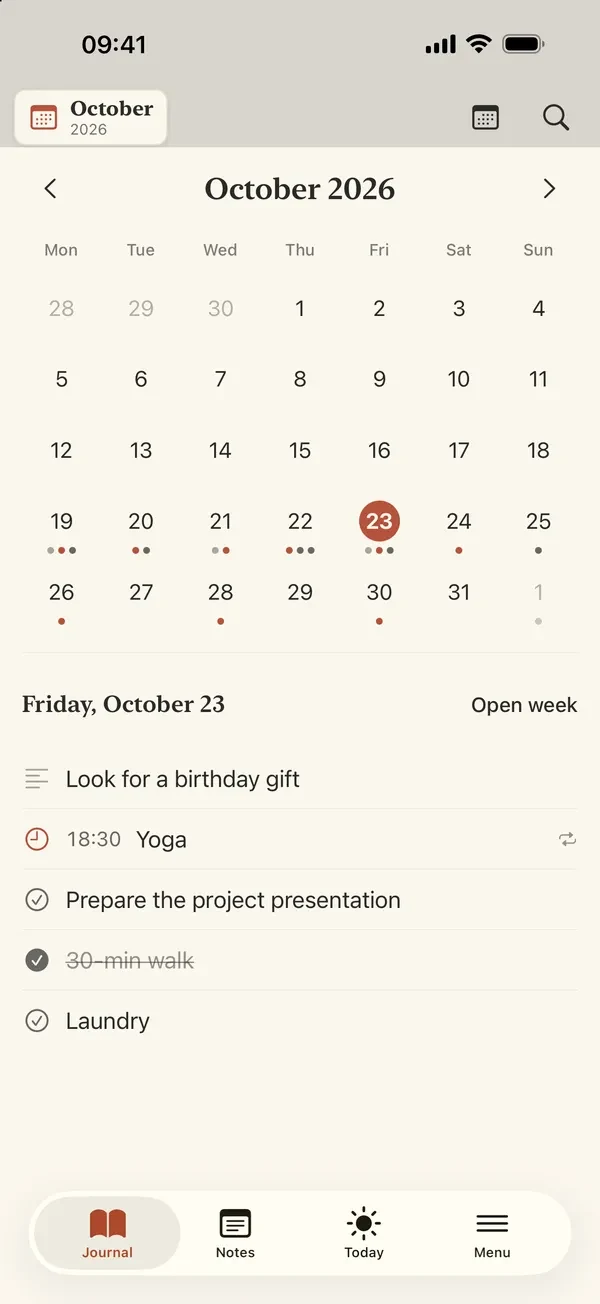
Day, 2-day, 4-day, week and month views with spiral-bound page turns, and a free-form page for every day.
Paperweek Agenda
Calendar apps chop the week into grids. Paperweek shows it on one page you turn like a spiral notebook, and keeps it on your device.
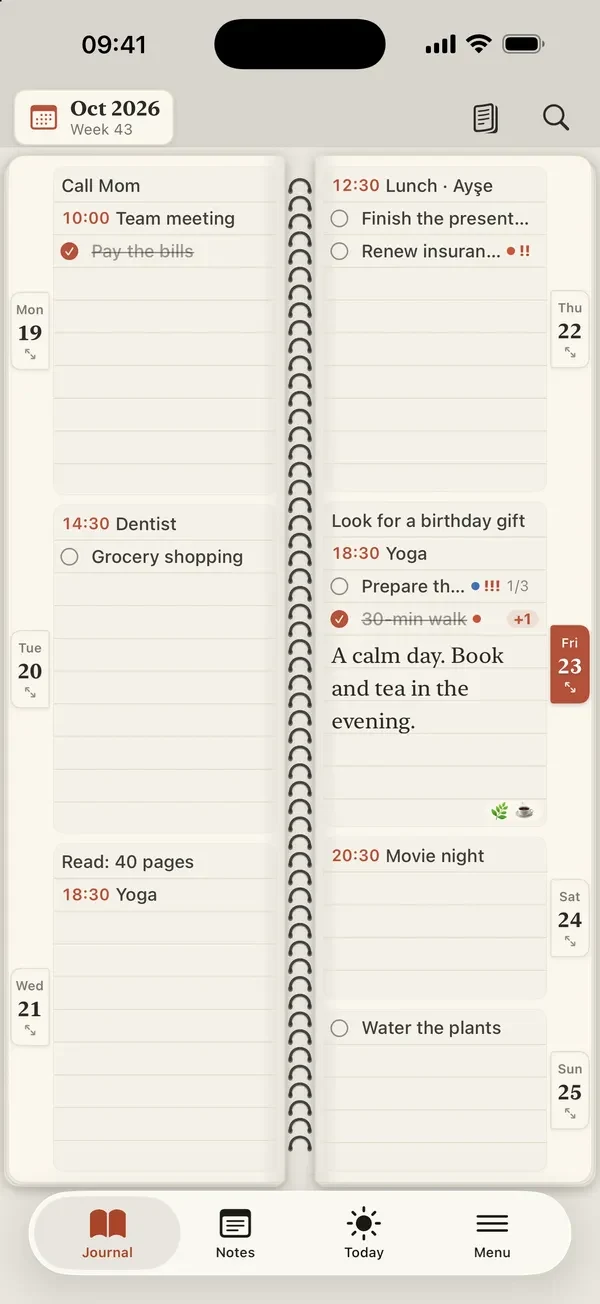
People who love a paper diary see the whole week at a glance and write anywhere. Calendar apps give them hourly grids and nested menus instead, and the diary on the desk can't remind them of anything or lock itself.
We built Paperweek in SwiftUI to feel like a paper planner: the week spread across two pages with a spiral binding, a page-turn to the next week, one tap to write. Reminders, search, widgets and backup sit underneath. There is no server and no account; optional sync runs on the user's own iCloud.
Day, 2-day, 4-day, week and month views with spiral-bound page turns, and a free-form page for every day.
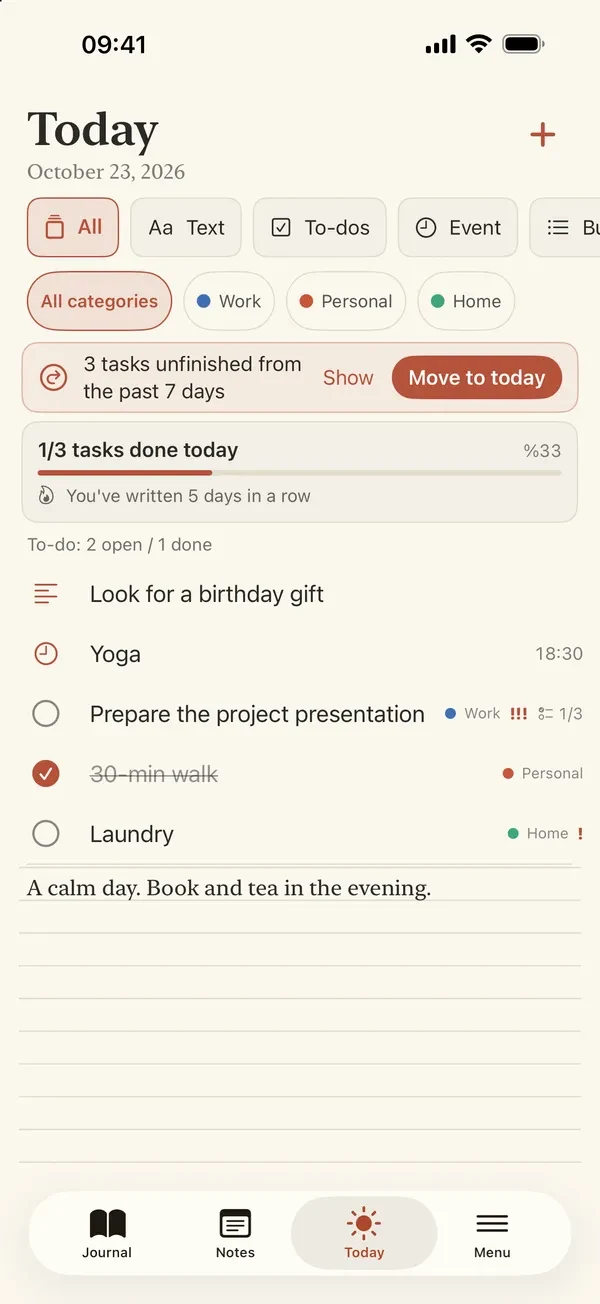
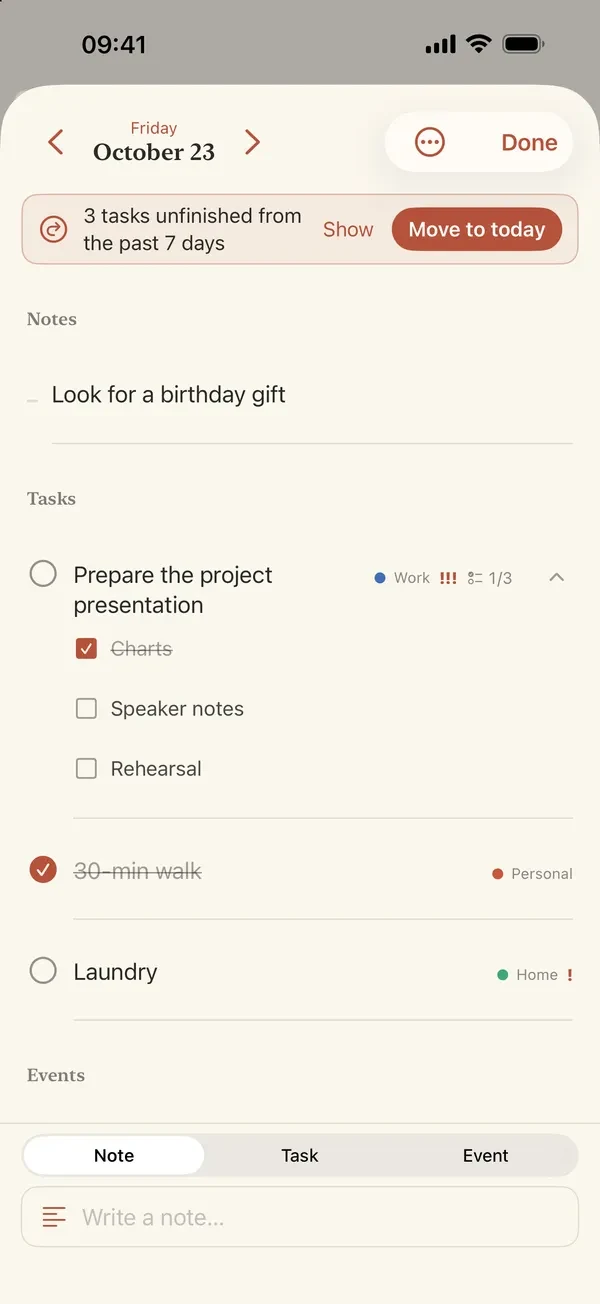
Notes, checkable tasks with priority and subtasks, timed events and repeating entries, plus a Today screen that moves unfinished tasks forward in one tap.
No ads, no account, no analytics. The planner lives on the device, optional sync uses the user's own private iCloud, and a PIN or Face ID keeps it shut.
Today and Week widgets, Apple Pencil drawing and photos on the page, Siri & Shortcuts, full backup and week or month PDFs.
0
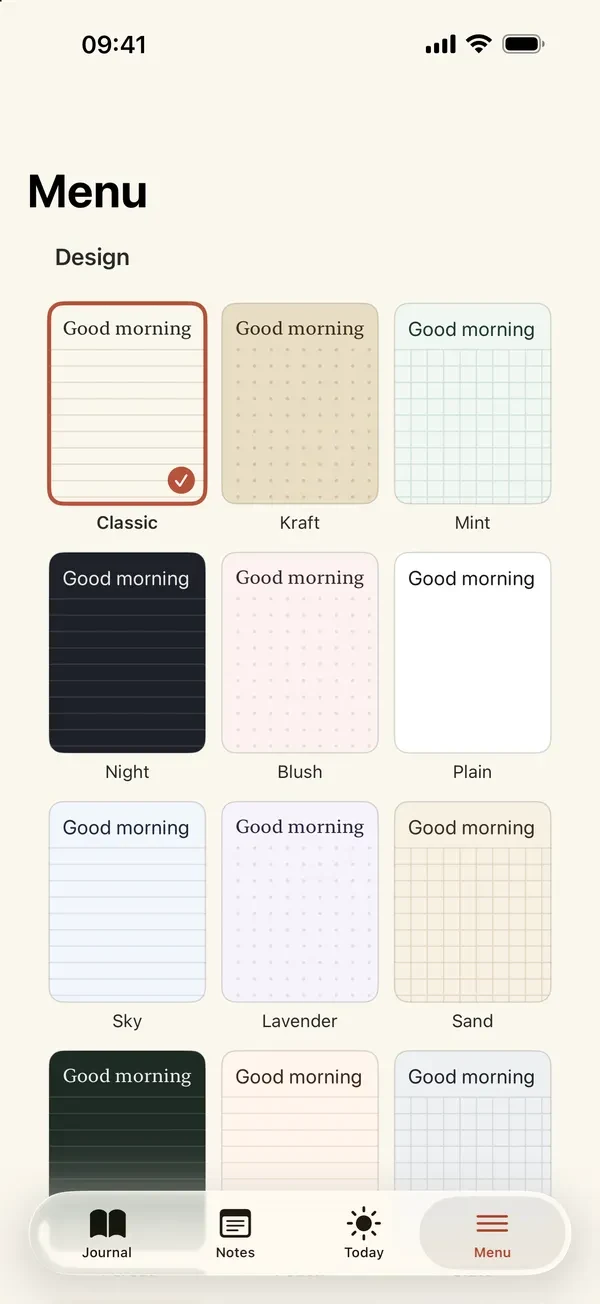
paper designs
Eighteen paper designs, six of them patterned like linen, watercolour and graph paper; six classic designs are free.